|
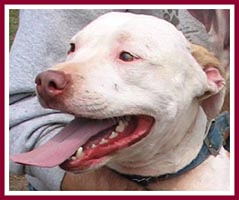 Due to the large
number of photographs necessary to tell the story of this intervention and to
get the 61 dogs into shelters, rescues, and Forever Homes, we decided that the
best way to handle them would be to take advantage of the gracious donation of
space in an off-site Photo Album. Due to the large
number of photographs necessary to tell the story of this intervention and to
get the 61 dogs into shelters, rescues, and Forever Homes, we decided that the
best way to handle them would be to take advantage of the gracious donation of
space in an off-site Photo Album.
Unfortunately,
the creators of the original photo album service being used went out of
business without notice and our album disappeared for a while. Thankfully, the
friend actually hosting our album was able to recover most of the photos and
the captioning info on the thumbnails, but some photos and the rest of the
captioning was lost beyond recovery. Still, our
Drive To
Save Lives Photo Album will help put faces to our statistics, and give you
an idea of the problems we faced in this situation.
All
of our Drive
To Save Lives Photo Album links open in a separate brower window so that
you can easily refer back to the main Drive To Save Lives web pages at all
times. You've probably also noticed by this time that clicking on any of the
Drive To Save Lives page photos will take you to the larger, captioned view of
that picture in the Album.
The Drive To
Save Lives Photo Album has several convenient viewing options:
Look at a
number of thumbnails at once on each album page, and click on any of them for a
larger view of that photo.
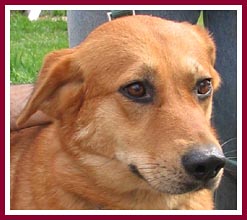 Click on the
first thumbnail, see the larger view of Photo 1, and use the arrows at the
bottom to "page" through the individual photos in order (forward
arrow on the bottom right, back arrow on the bottom left). Click on the
first thumbnail, see the larger view of Photo 1, and use the arrows at the
bottom to "page" through the individual photos in order (forward
arrow on the bottom right, back arrow on the bottom left).
There is also a "slideshow feature" that
automatically pages through the larger views of the photos for you. To use this
feature, look at the top "toolbar" box of the first album page, just
under the album title "Drive to Save Lives." On the right side of the
box, you'll see a link labeled "Slideshow." Just click on that link,
sit back, and enjoy!
Previous Page: The
Dogs * Next Page: How You Can
Help
|